Here is a thing that has never been true before in the history of money: you can look, with your own eyes, at exactly where every coin went. No permission. No bank statement. No "please allow 3–5 business days." A public address, a public ledger, and a browser tab.
Most people never learn to read it. They take the wallet's word, the exchange's word, the counterparty's word — and in a system built specifically so you'd never have to take anyone's word again, that's tragic. The block explorer is the single most sovereign tool in crypto, and it's free, and almost nobody opens it.
Today you learn to read one. This is a hands-on skill, not a concept.
What a block explorer is
A block explorer is a website that reads the blockchain and shows it to you in human-readable form. Etherscan for Ethereum. Blockstream or mempool.space for Bitcoin. Solscan for Solana. Every major chain has several. They don't own the data — the data is the public ledger. They just render it.
You paste in one of three things:
- a transaction hash (the ID of a single transfer),
- an address (a wallet or contract),
- or a block number.
And it shows you the truth. Not a summary approved by a middleman. The actual recorded state.
Reading a single transaction, field by field
Paste a transaction hash. Here's what you're looking at, and what each field actually means.
Status. Success or Failed. A failed transaction can still cost gas — the network did work attempting it. If your transfer "didn't go through" but money left your wallet, this is the first field to check. Failed means the coins didn't move but the fee was still burned.
Block / Confirmations. Which block it landed in, and how many blocks have stacked on top. This is your finality read — the depth of your armor. Few confirmations, still risky; deep, settled.
From / To. The sender and receiver addresses. Verify these character by character — beginning and end, not just the first four. Address-poisoning scams work by getting you to copy a lookalike address that matches at the edges.
Value. How much of the chain's native coin moved. Note: if someone sent you a token (like USDC), the "Value" field may read 0 while the real transfer sits in the token-transfer section below. Beginners panic here for no reason. Scroll down.
Transaction Fee / Gas. What you paid the network to process it. High fees mean network congestion. This is where you learn to time your transactions — same transfer, off-peak, can cost a fraction.
Token Transfers. For token movements, this section is the real story. It shows which tokens, how many, and between which addresses. If you interacted with a DeFi contract, you'll often see multiple transfers in one transaction — you sent one token, received another, maybe paid a fee to a third. Read this like a receipt. Every line is a movement.
Input Data. The raw instructions. Advanced, but powerful: a good explorer decodes it into the actual function that was called — `transfer`, `approve`, `swap`. This is how you catch a malicious contract doing something other than what its friendly button claimed.
The one that saves your wallet: reading approvals
Here's the field that has drained more wallets than any hack: the approval.
When you use a DeFi app, you often grant a smart contract permission to spend your tokens. Many apps request unlimited approval by default — the contract can move all of that token, forever, until you revoke it. If that contract is later exploited, or was malicious to begin with, your funds walk out the door long after you forgot you clicked anything.
On the explorer, you can view your address's active approvals. You can see exactly which contracts you've granted spending power over your tokens. And you can revoke them. Make this a habit: periodically review your approvals and revoke the ones you no longer use. It's the dental floss of crypto — boring, and it saves the whole mouth.
Our Record
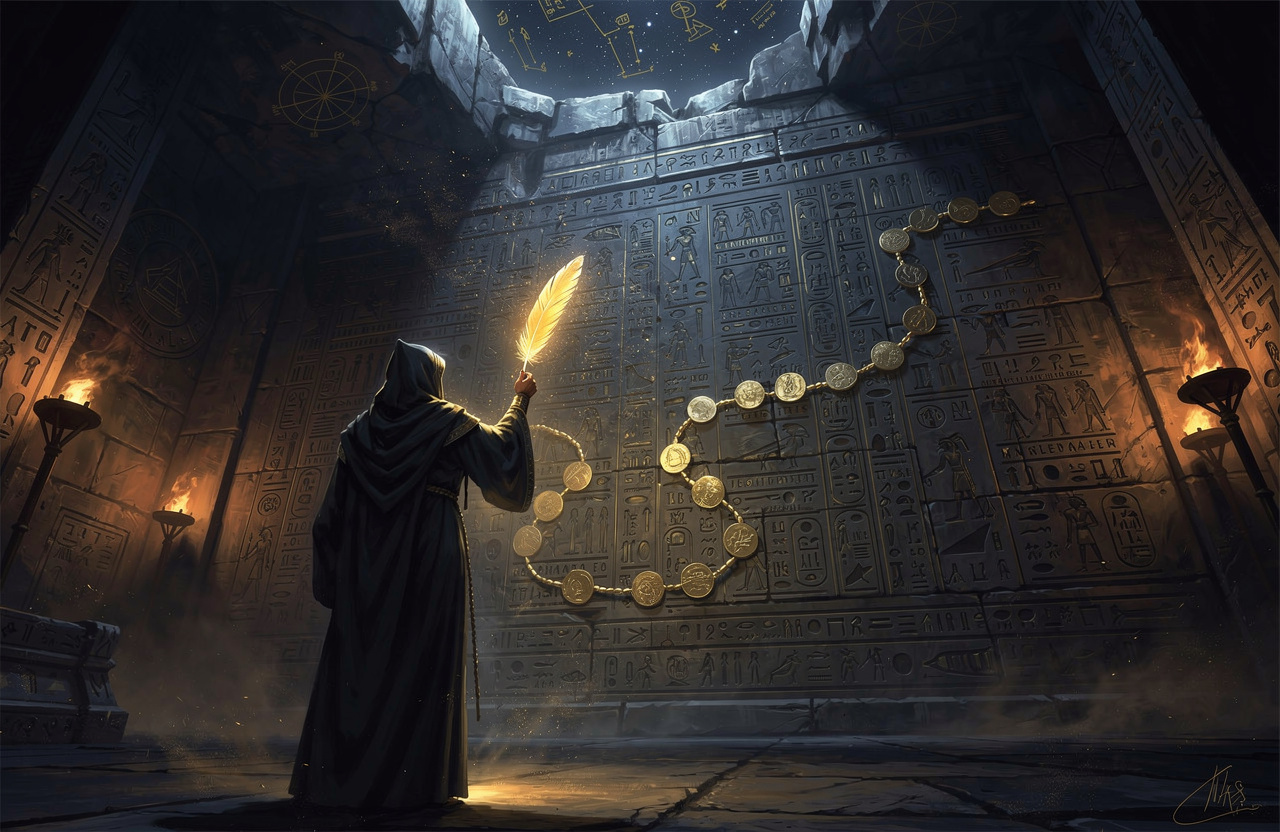
The block explorer is the Scales of Ma'at rendered as a public webpage. Every transaction weighed, recorded, un-editable, open to any eye that cares to look. This is the thing the old system could never permit — a ledger no one owns and everyone can audit. Isfet thrives in opacity, in the statement you must request and trust, in the "call us during business hours." Ma'at is what you're doing when you paste a hash and read the weight yourself. Transparency isn't a feature here. It's the whole architecture. To read the chain with your own eyes is a priestly act: you refuse the intermediary's telling and go to the record.
Practice it now — don't just read this
This skill only exists in your hands, not your head. So:
- Open your wallet, find a past transaction, copy its hash.
- Open the right explorer for that chain.
- Paste. Read every field above. Find the From, the To, the Value, the fee, the token transfers.
- Now paste your own address. See your whole history laid out — every in, every out. This is your on-chain body, fully visible.
- Check your active approvals. Revoke anything you don't recognize or no longer use.
Think of it like reading logs in production. You don't trust the dashboard's summary when money is on the line — you `grep` the raw log and see what actually happened. The explorer is `grep` for your money. The dashboard can lie by omission. The log can't.
The lever
The whole promise of this technology is don't trust, verify. But verification isn't automatic — it's a skill you either have or don't. The people who get rugged, phished, and address-poisoned are, almost always, the people who never learned to open the explorer.
Learn it once and you carry it forever. Read the hash. Verify the address end to end. Understand the token transfers. Audit and revoke your approvals. Do this and you stop being someone things happen to on-chain, and become someone who reads the chain.
The ledger is open. The only question is whether you look. Look.